The Free CRM Built For Your Trade.
Customers, jobs, estimates and invoices in the order your day runs. Free for good, no card, no per-user price.
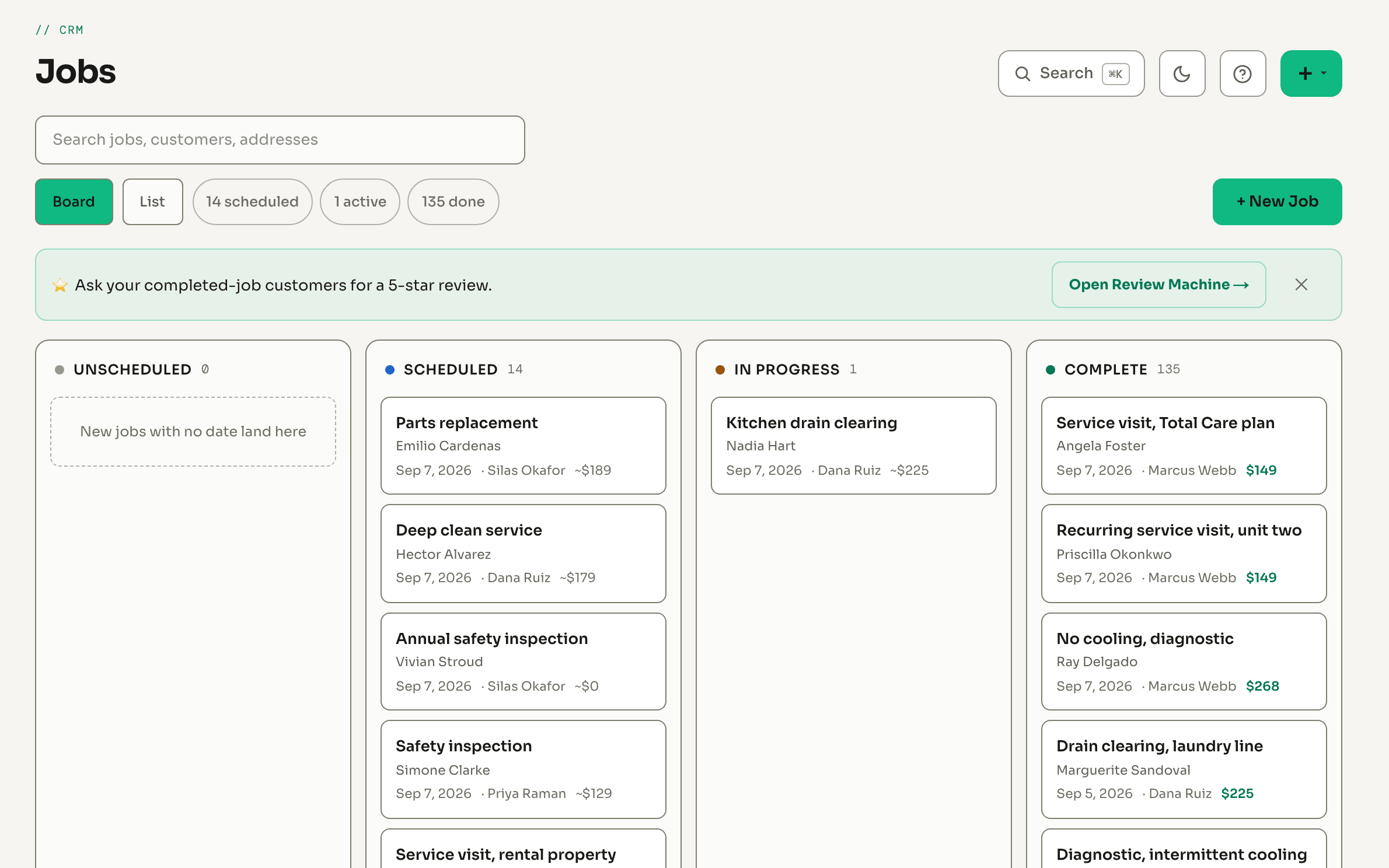
Here Is What You Get, For Free.
Real screens from a sample company. Nothing here is a mockup, and nothing here is a paid add-on.
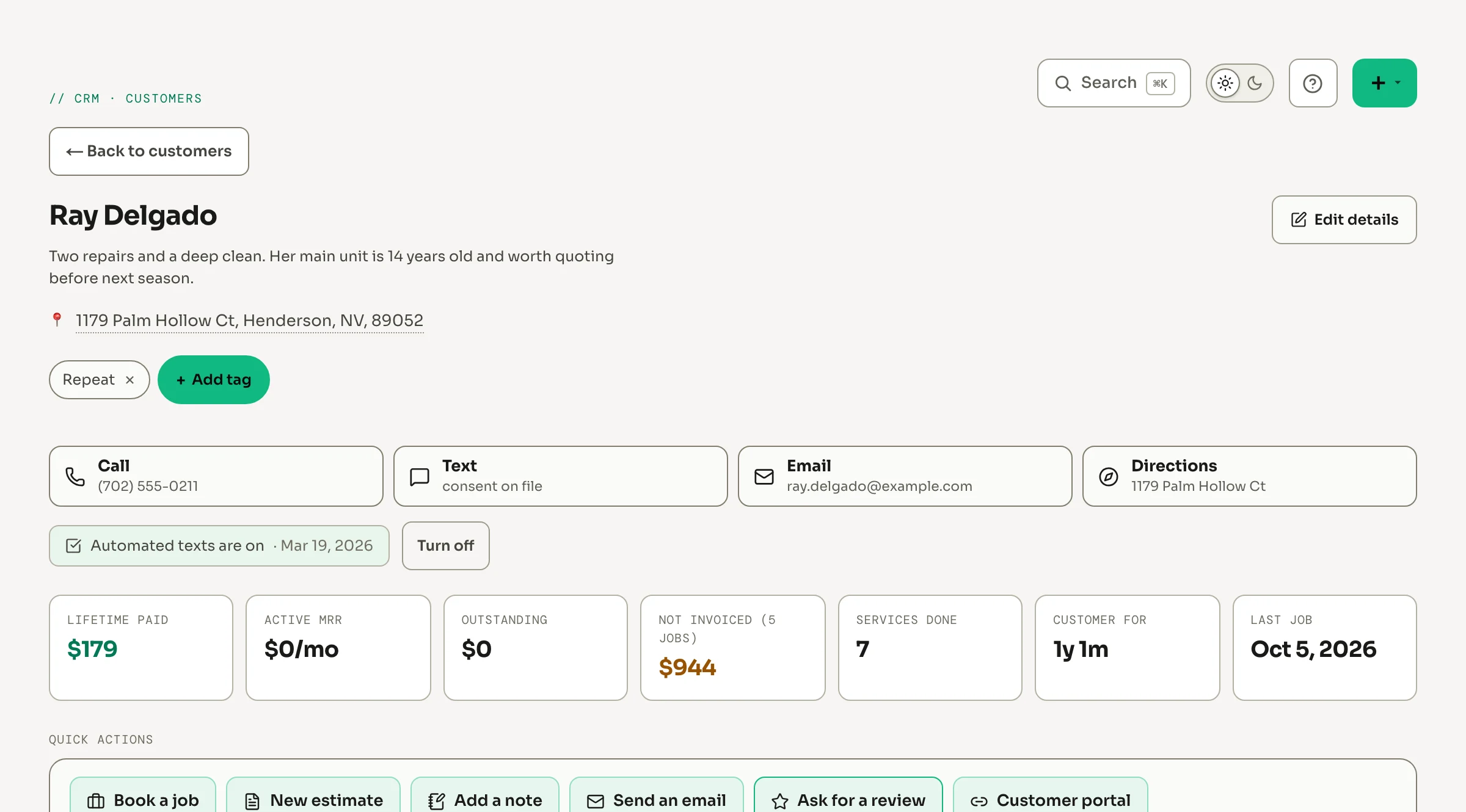
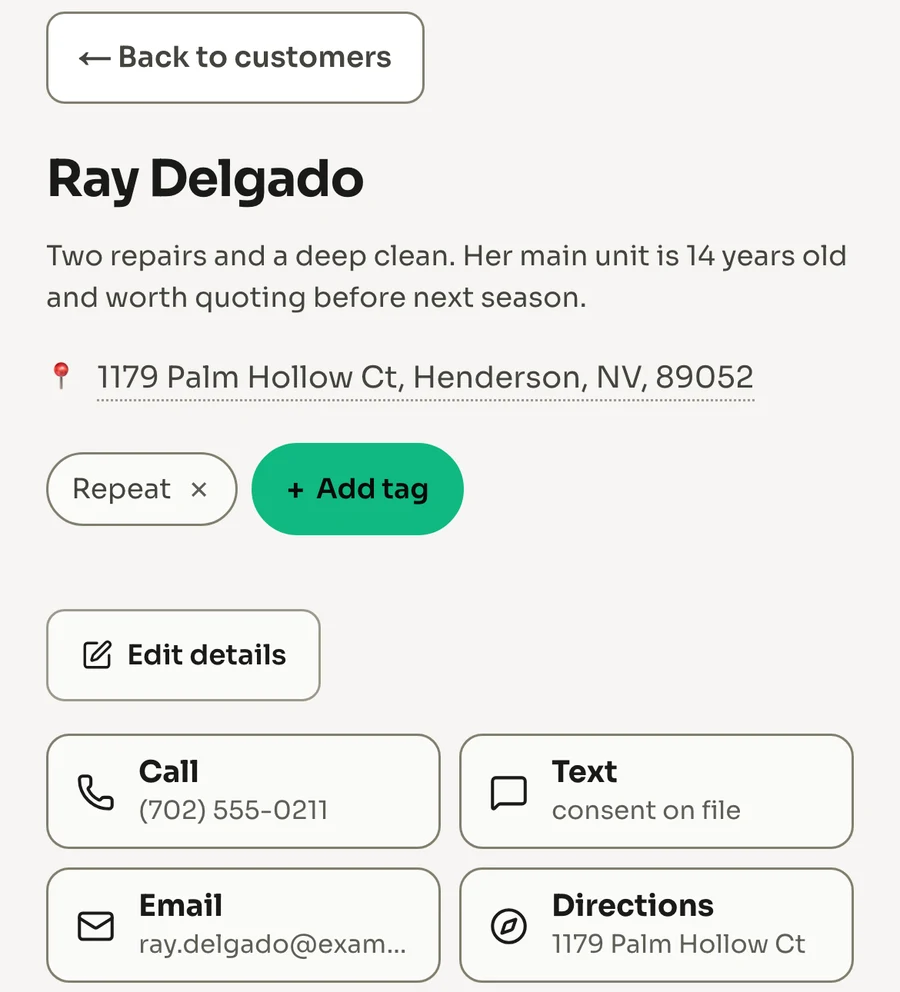
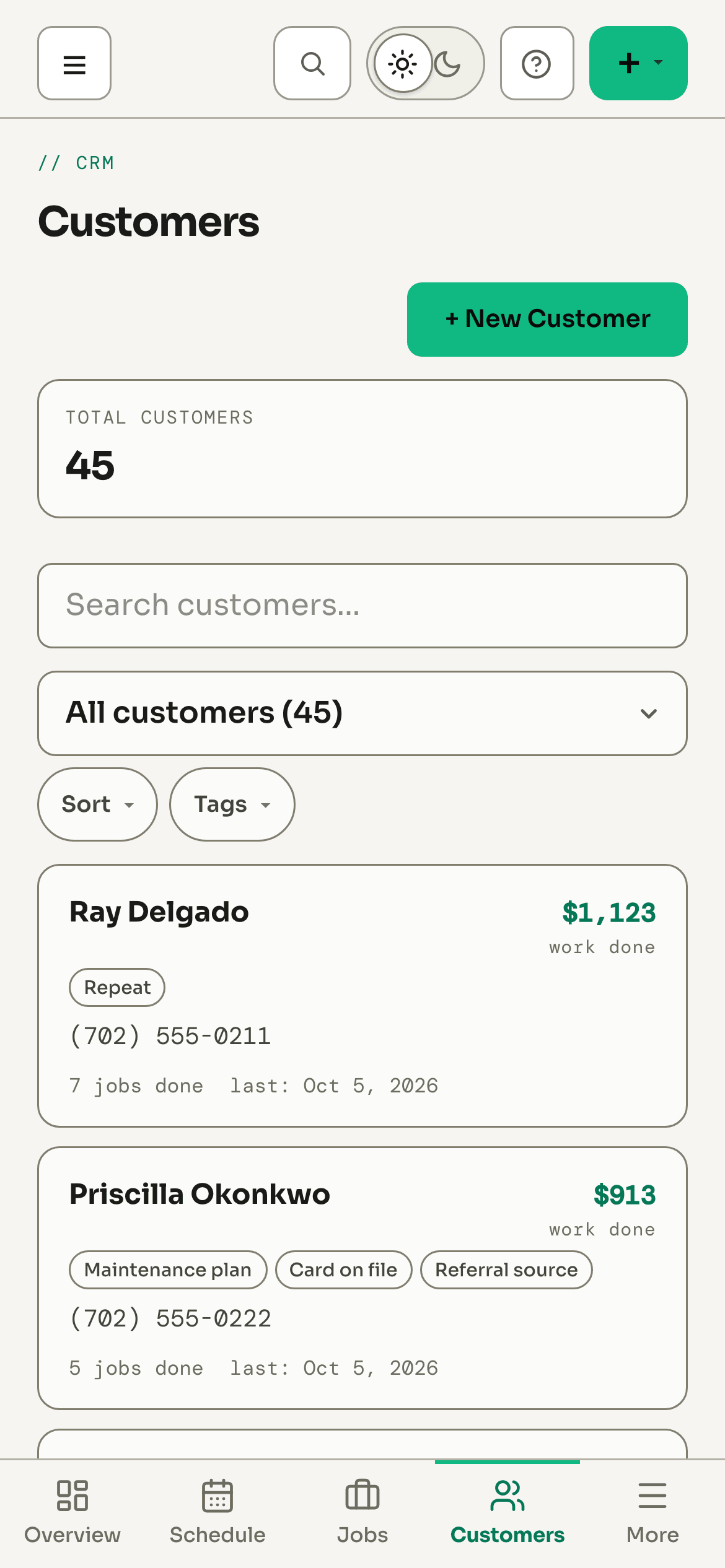
Every customer on one page
Their jobs, estimates, invoices and what they have paid, with call, text, email and directions one tap away. Book the next job or send an estimate from the same page.
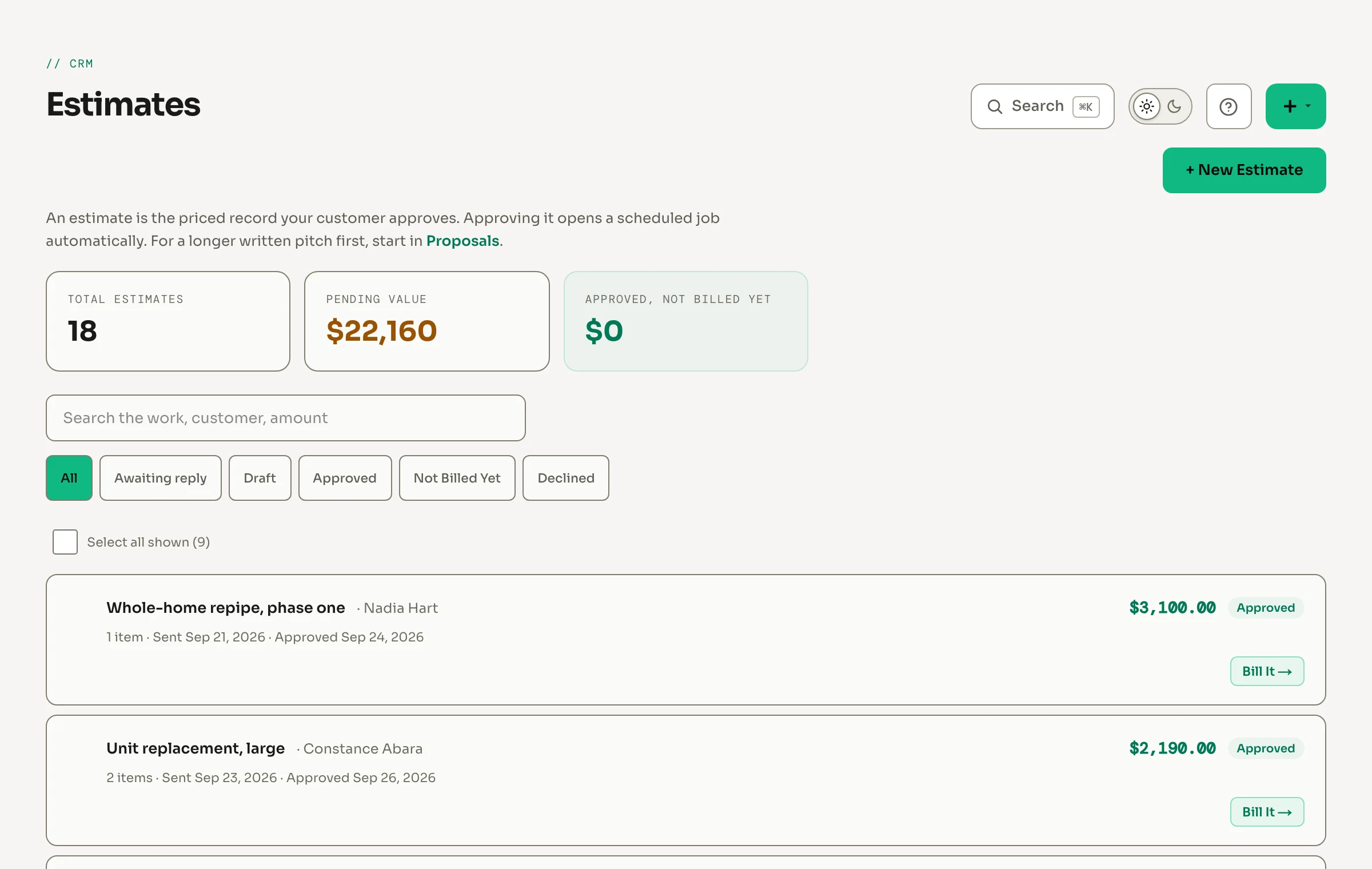
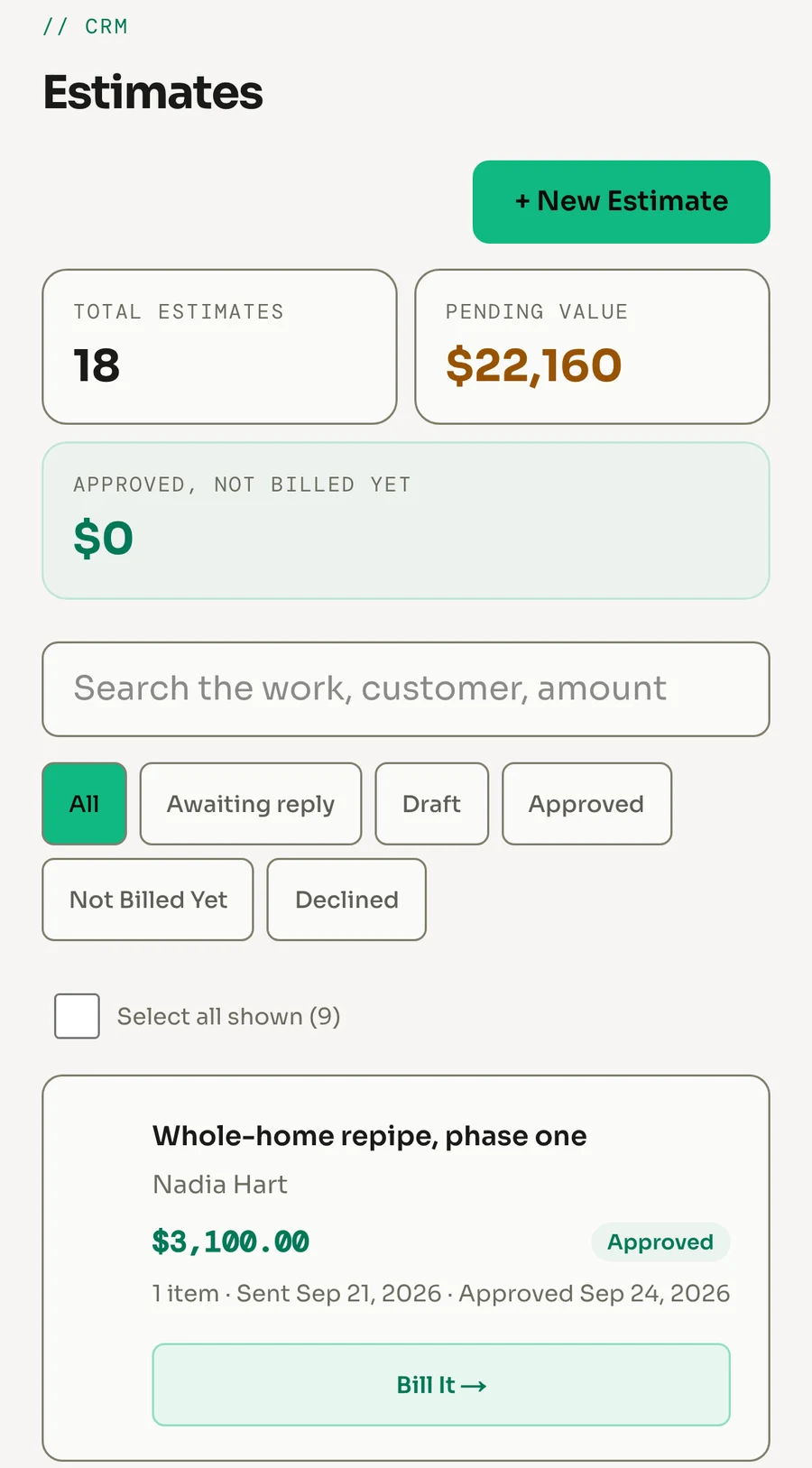
Estimates they approve from their phone
Price the work from your own price book, email it or text the link, and the customer approves it on their phone. Approved work lands on your jobs board on its own.
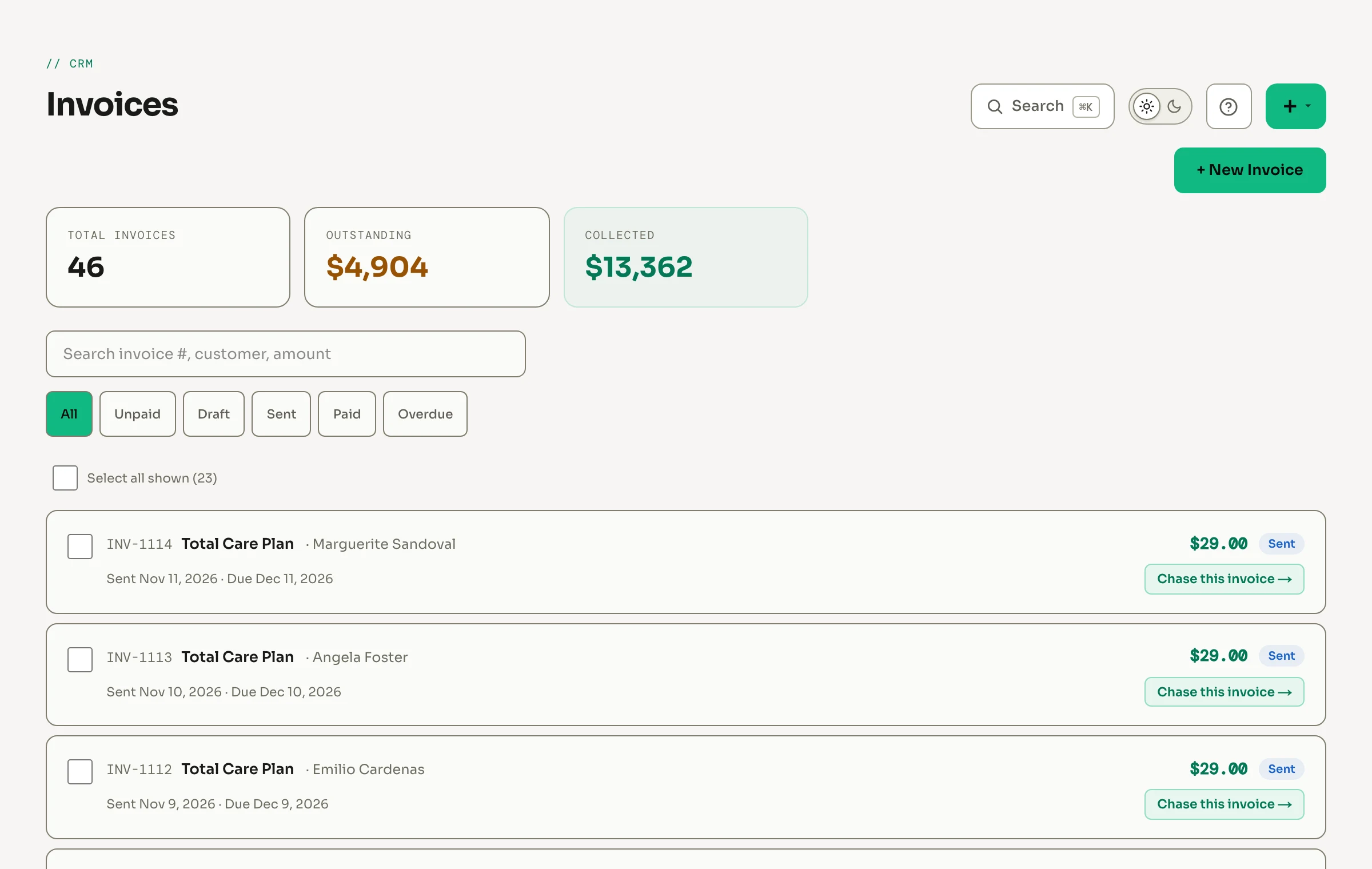
See who still owes you
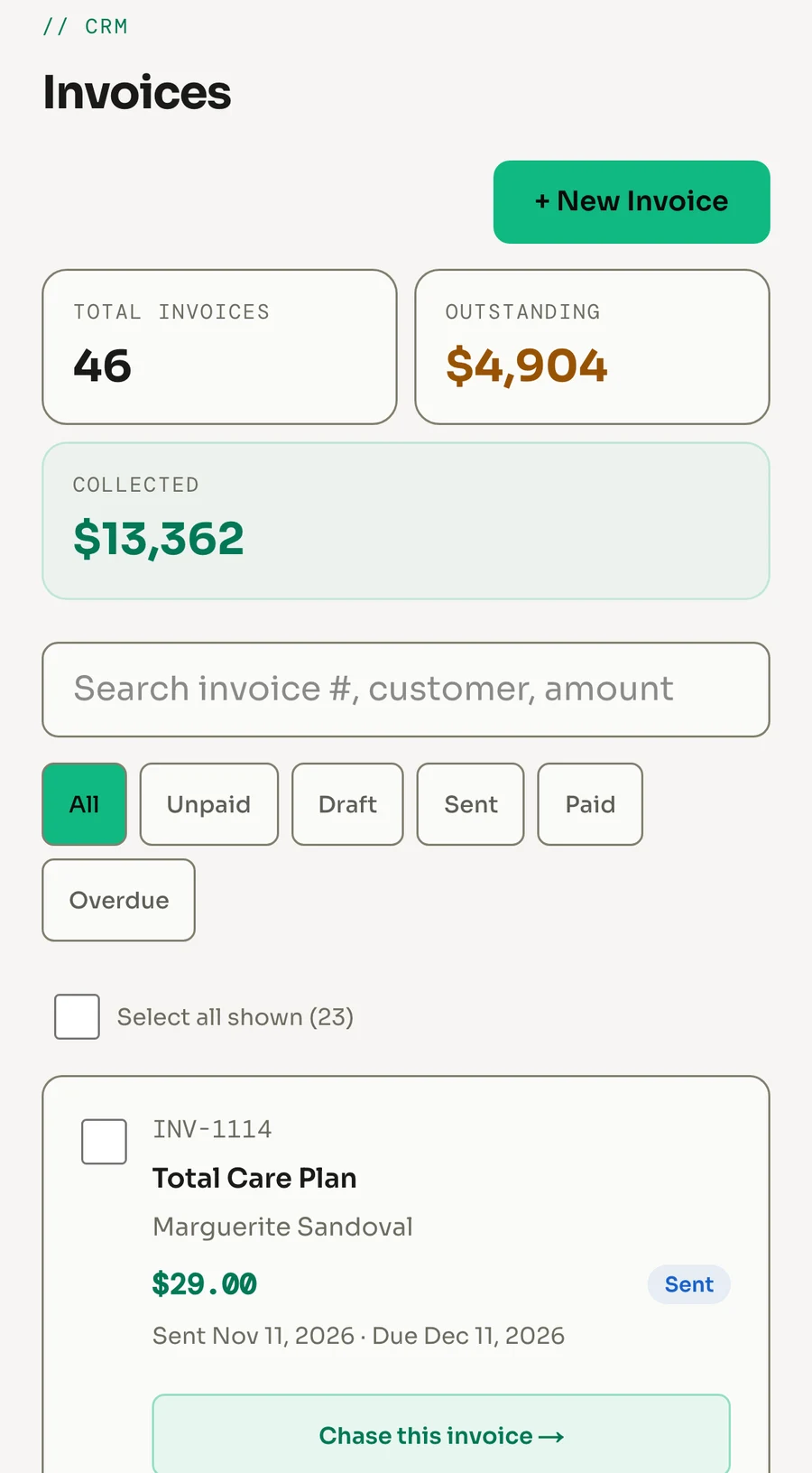
What is outstanding, what you have collected, and every invoice with its status. Once payments are connected, send a pay link or charge the card on file.
Your techs get it on their phone
Customers, today's jobs and the details they need, on the phone they already carry. Invite your whole crew, there is no per-user price.
Every Module Feeds The CRM. Automatically.
When a module captures a lead, sends a review request, or follows up on an estimate, it's logged in the CRM instantly. Your team always has the full picture.
24/7 Lead Closer
New leads auto-appear in your pipeline
Reputation AI
Review requests logged in customer timeline
Win-Back Engine
Dormant customers identified from CRM data
Auto-Quote Closer
Follow-ups tracked against CRM estimates
Auto-Marketing Engine
Campaigns target customers by job history
Estimate & Proposal Generator
Proposals saved to customer profiles
How It Stacks Up.
Jobber
1 user included. Extra seats $29/mo each.
HousecallPro
1 user on Basic. A 5-user plan starts at $149/mo.
ServiceTitan
Priced per technician, plus onboarding.
Corex CRM
Free forever. No card, no per-user pricing. Pay only for AI modules you choose to add.
Built For Your Trade, Not Adapted To It.
The same free CRM, flavored per industry: the vocabulary, the workflows, and the AI follow-up each trade actually runs on.
It's Free. Even On Its Own.
The only thing we sell is the AI tools you can add on top later. You never have to, and the CRM stays free either way.
No catch
$0/mo
The full CRM, free
Everything on this page. On its own or alongside any module. No card, no contract.
Common Questions
Is the CRM really free? What's the catch?
Is there per-user pricing?
Can I import customers from my current CRM?
Is there a version for my industry?
Do I have to use the AI modules?
How does the CRM connect to the AI tools?

Stop Paying For A CRM That Doesn't Work With Your Tools.
Corex CRM is built in the same system as the AI modules. Your data flows where it needs to, with no integrations, no middleware, no setup.